CLKR.
A macOS menubar app that makes typing fun. Satisfying click sounds, ambient focus modes, and gamified typing — level up, unlock sounds, stay in the zone.
Visit CLKR site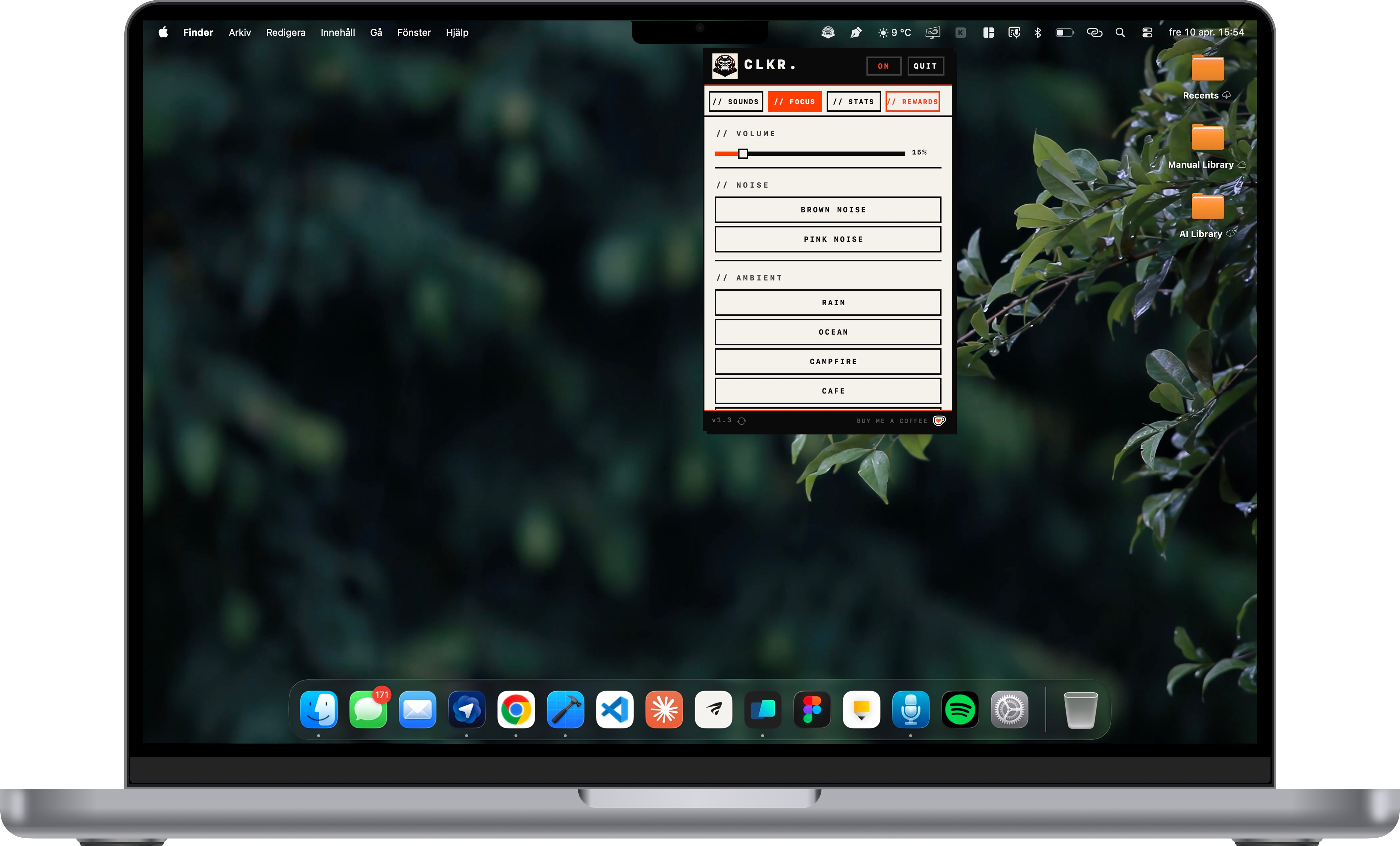
My Role
End-to-end product: native macOS development with Swift & AppKit, UX/UI, sound design, game loop, and landing page.
Timeline
Shipped v1.3 in 2026. Native macOS, menubar-only, 27 MB download, free forever.
Tech Stack
The Challenge
Typing is the most repetitive action on a computer, yet it feels flat. Meanwhile mechanical keyboards cost hundreds of dollars for the exact feedback people crave. And every "productivity" app ships with accounts, subscriptions, and cloud sync nobody asked for.
Capture keyboard-joy at zero cost, with zero friction, and zero data leaving the machine.
The Solution
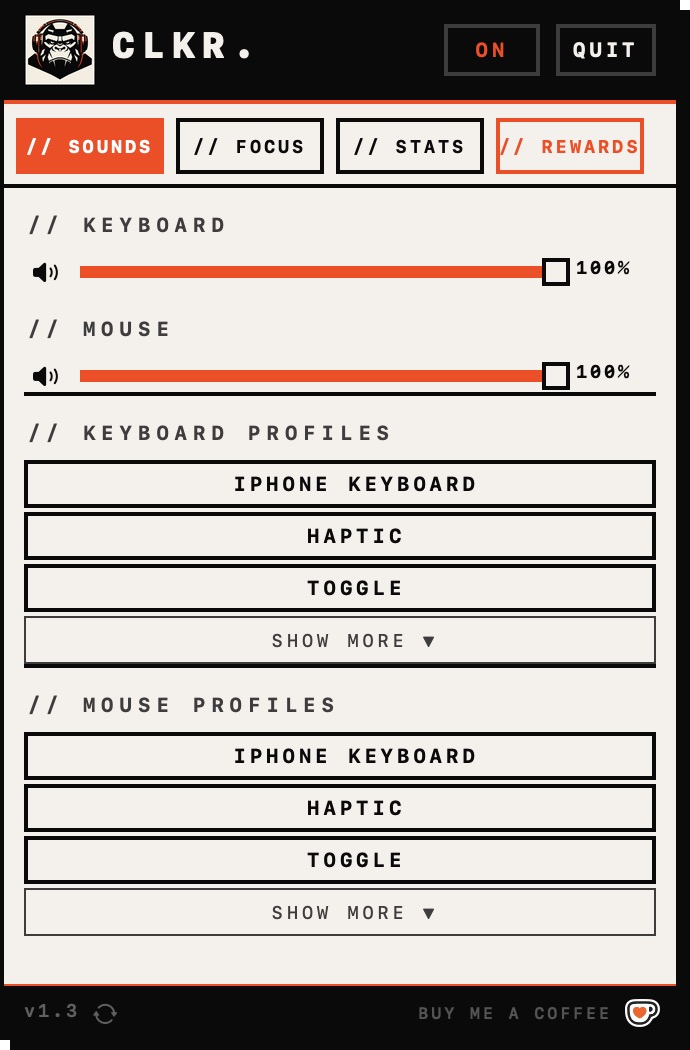
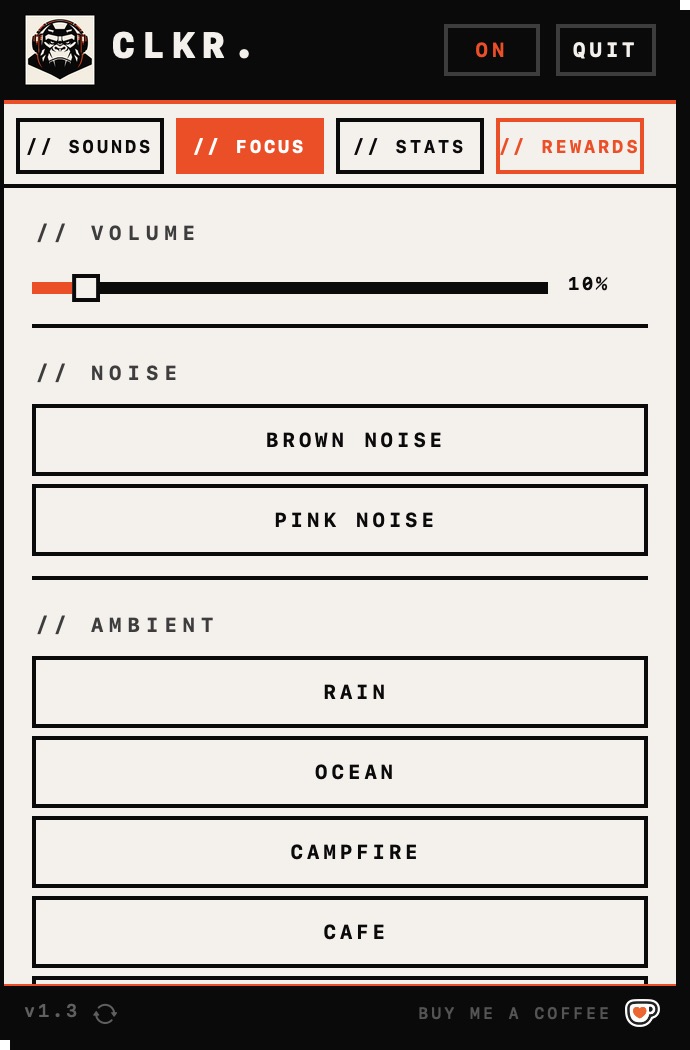
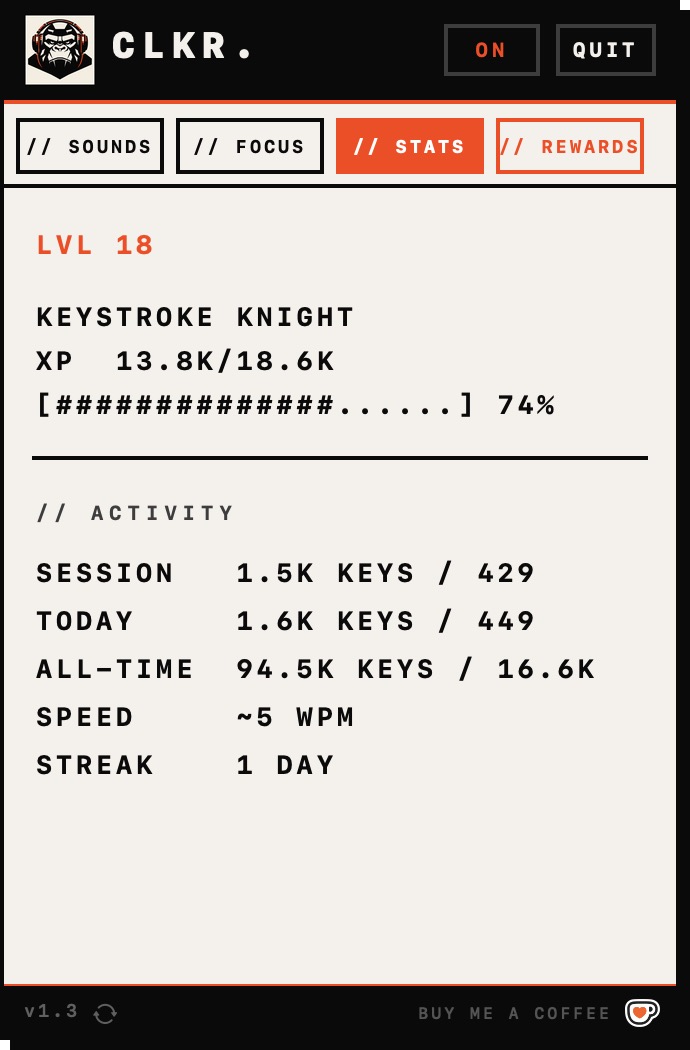
A tiny Swift + AppKit menubar app that hooks into global keystrokes, plays sampled sounds with low-latency playback, tracks stats locally, and runs a lightweight gamification loop with XP, 50 levels, 20+ achievements, and unlockable sound packs. Everything lives in a single menubar popover.
No windows. No dock icon. No account. No cloud. No telemetry. Just typing, but better.
How It Works
From boring keystroke to satisfying sound in three steps
Click
CLKR. listens for every keystroke and click system-wide. No permissions prompt beyond input monitoring. Pick a sound profile from the menubar popover.
Hear
A sampled sound plays back with near-zero latency. Swap profiles on the fly — iPhone, Cherry MX, creamy thocks, or any of the 20 unlockable packs.
Level Up
Every keystroke earns XP. 50 levels, 20+ achievements, and a coin economy that unlocks new sounds and ambient tracks as you type.
Built With
Native macOS, deeply integrated with Apple's platform
Menubar Native
AppKit NSStatusItem and popover. Zero windows, zero dock icons, zero clutter.
AVFoundation
Low-latency sampled sound playback for keystrokes, clicks, and ambient tracks.
Global Event Tap
CGEventTap listens for system-wide keystrokes and mouse clicks with minimal overhead.
Local Game Loop
XP, levels, achievements, and coin economy all stored locally in UserDefaults.
Sparkle Updater
EdDSA-signed auto-updates served from a static Vercel-hosted appcast.
7 Theme System
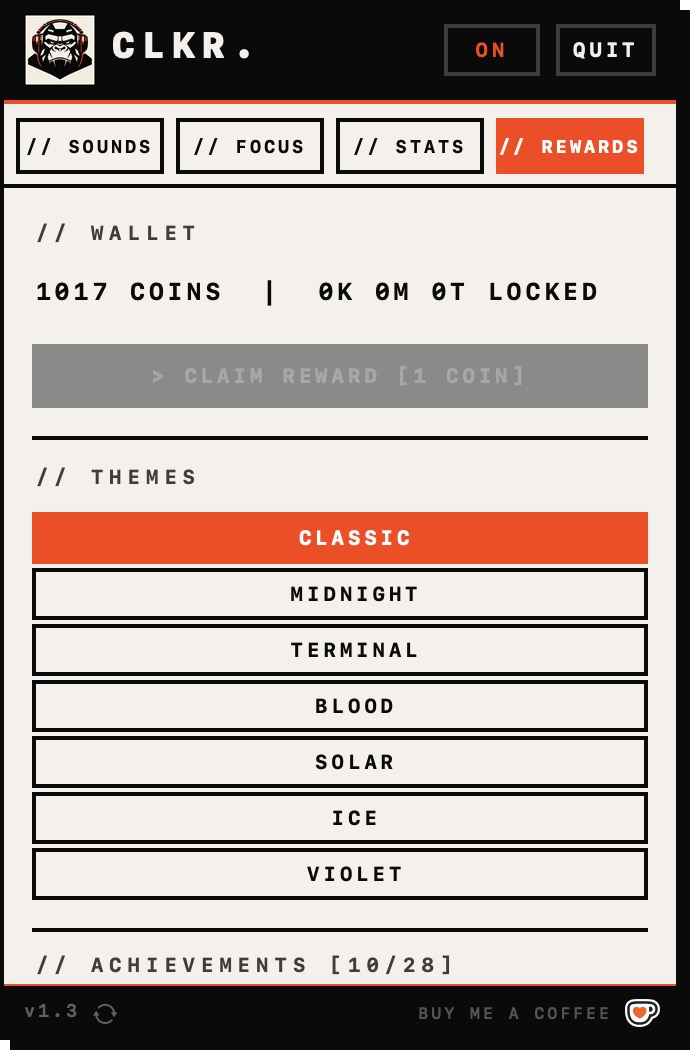
Classic, Midnight, Terminal, Blood, Solar, Ice, and Violet — switches accent and chrome instantly.
Key Features
What makes CLKR. different from every other keyboard app
20 sound profiles — iPhone, Cherry MX, creamy thocks, mechanical deep
Ambient focus sounds — brown/pink noise, rain, ocean, café, forest, campfire
Gamified typing — XP, 50 levels, 20+ achievements, coin economy
7 color themes including Midnight, Terminal, Blood, and Solar
Keystroke, click, WPM, and daily streak tracking — all local
Lives in menubar — zero windows, zero dock icons
Sparkle auto-updates from a static appcast
Unlockable sound packs earned by typing, not bought
100% free, no account, no cloud, no telemetry
Screens from CLKR.
A look at the menubar popover, themes, and gamification screens.
Try it yourself
Free, 27 MB, macOS 12+. No account. No cloud. No telemetry. Just typing, but better.
Visit CLKR site