dump.
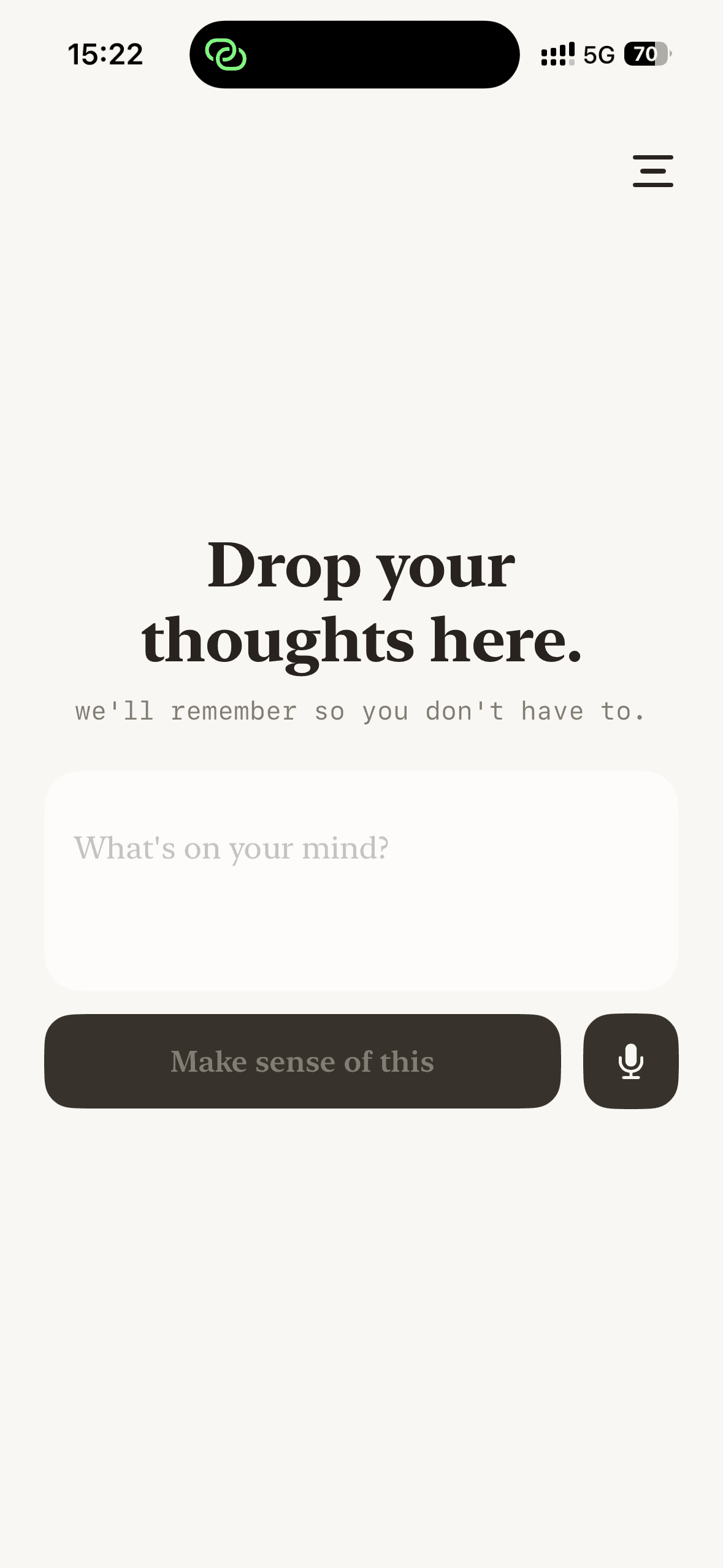
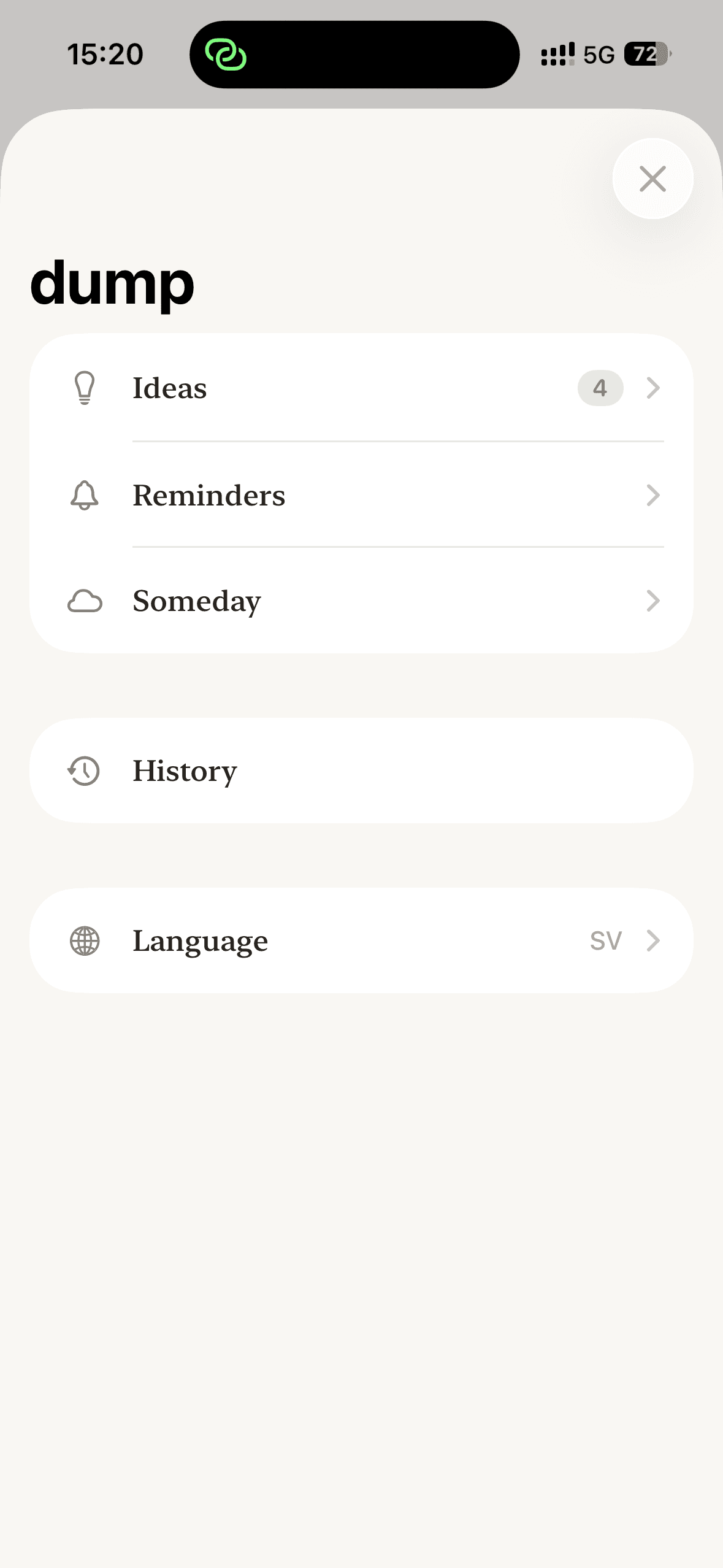
A voice and text brain dump app for iOS. Speak or type whatever's in your head — Claude Haiku splits the mess into ideas, reminders, and someday-items. No folders, no tags, no manual sorting.
My Role
End-to-end product: concept, UX/UI, native iOS & macOS development, and AI integration.
Timeline
In active development. Built around capture-first principles and the Claude Haiku 4.5 model.
Tech Stack
The Challenge
Most note apps fail at the moment of capture. Folders, tags, titles, and dates all demand decisions before you've even gotten the thought out of your head. The result: the messy thoughts that need capturing the most are exactly the ones that never get written down.
Structuring a thought before you've even captured it is the reason most thoughts never make it into a note app. dump exists for people whose minds move faster than their note app.
The Solution
A capture-first iOS app where the only required action is a brain dump — voice or text, in Swedish or English. Claude Haiku 4.5 parses the text in the background, splits it into individual items, classifies each into idea, reminder, or someday, assigns short subcategory labels, and extracts dates and times from natural language.
Decisions
dump is a small app held together by a few stubborn decisions. Each one trades a feature most note apps have for the one thing that matters — getting the thought out of your head before it's gone.
Capture-first. Zero fields.
Instead of a title, a folder, and tags before you can type.
Every field is a decision you make before the thought is even out. The messy thoughts that need capturing most are the first to die at a blank form. So the only required action is the dump itself.
Just dump it…
No folders. No tags. No sorting.
Instead of a folder tree you maintain by hand.
Organizing is work you postpone — and capture has to be fast or it never happens. Structure gets applied after the dump, by the model, never by you up front.
The AI never creates tasks.
Instead of a model that auto-generates your to-dos.
Ideas, reminders, and someday-items get parsed automatically. Tasks don’t. A task is a commitment, and a model shouldn’t put commitments on your list — those should belong to you.
Claude Haiku, not a bigger model.
Instead of running a frontier model on every dump.
You dump many small things a day, and the parse runs on every one without the cost piling up. Splitting and classifying don’t need a frontier model — Haiku is what makes capture-first economically real.
Voice and text — voice first.
Instead of picking one input mode.
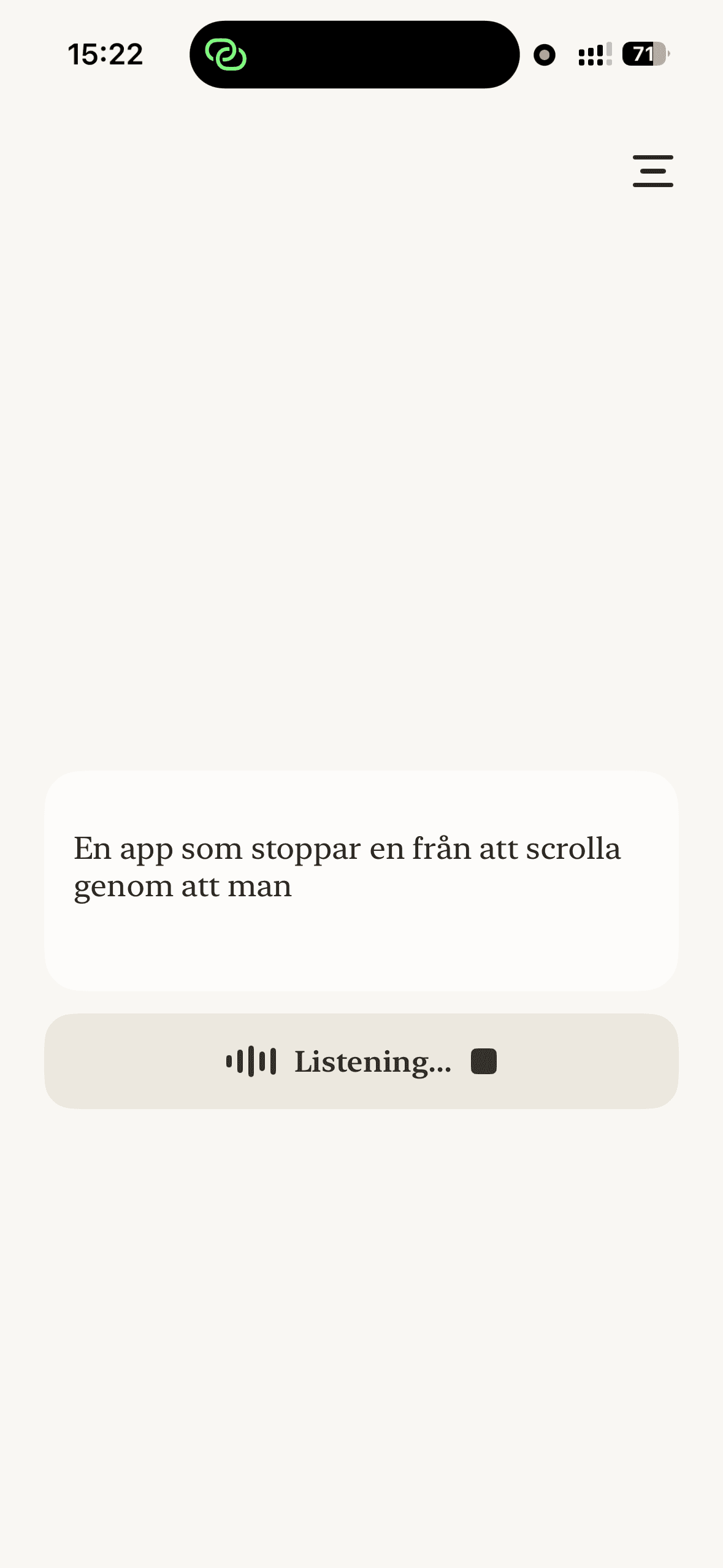
Talking is the fastest way to get a thought out, so voice leads. Text stays for the rooms where you can’t say it out loud.
How It Works
From messy thought to organized note in three steps
Capture
Tap the mic and speak, or type if you prefer. Swedish or English. No fields to fill in, no folders to choose. Just talk.
Parse
Claude Haiku 4.5 splits the dump into individual items, classifies each as idea, reminder, or someday, and pulls dates and times from natural language.
Organize
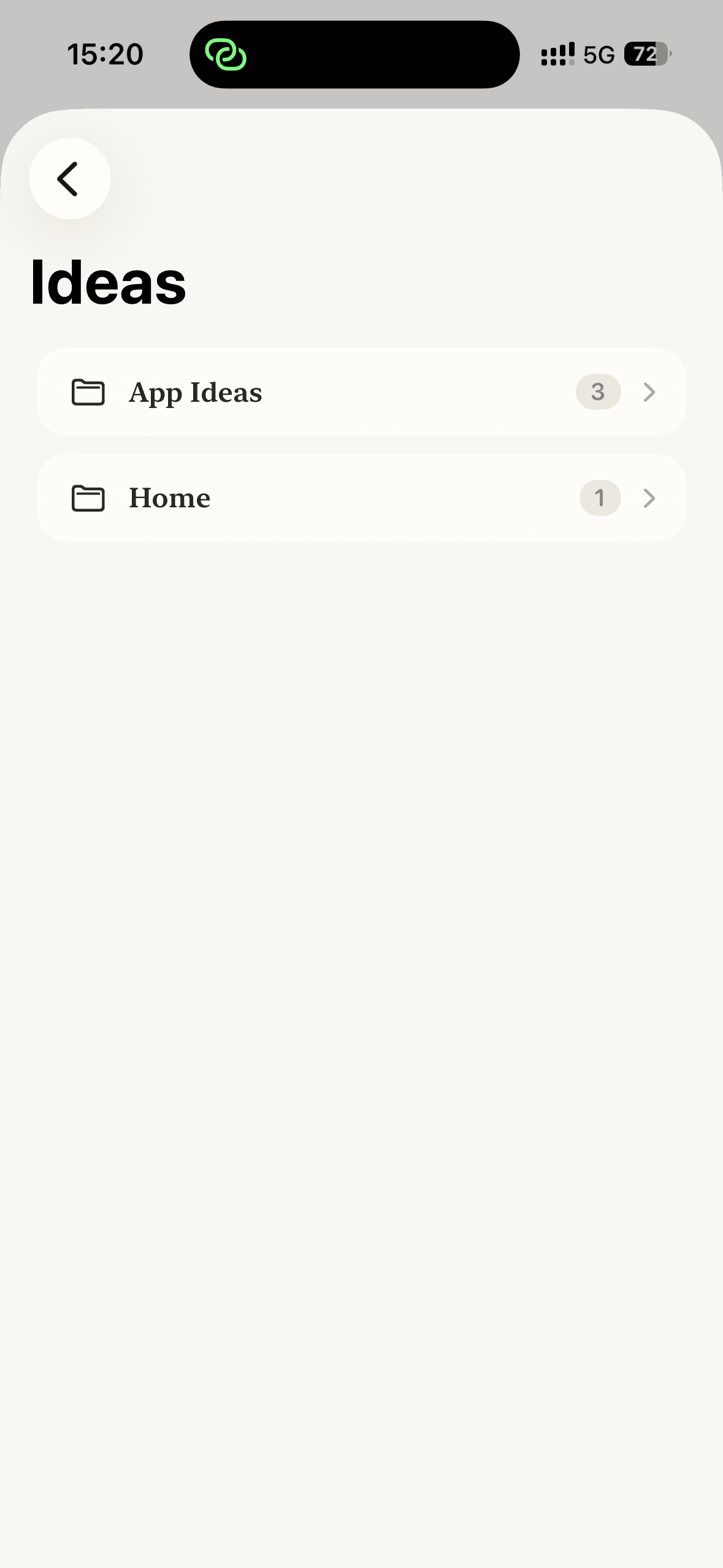
Items land in the right bucket, grouped by subcategory labels the AI assigns automatically. Reminders schedule themselves.
Need to email Anna about the launch, app idea: voice memos that auto-tag, dentist Thursday at 5, maybe learn French someday.
Reminder · Work
Email Anna about the launch
Idea · App Ideas
Voice memos that auto-tag
Reminder · Health · Thu 17:00
Dentist appointment
Someday · Learning
Learn French
Built With
Native iOS and macOS, deeply integrated with Apple's platform
Native iOS & macOS
Swift, SwiftUI, iOS 17+ and macOS 14+. One codebase, two platforms.
Claude Haiku 4.5
Fast, cheap parsing for splitting, classifying, and dating brain dumps in real time.
Speech Framework
On-device speech recognition in Swedish and English for voice capture.
Share Extension
Capture text from any iOS app via the share sheet — no copy-paste needed.
Home Screen Widget
WidgetKit extension for one-tap brain dumps right from the home screen.
iCloud Sync
CloudDocuments-backed sync keeps every dump available across iPhone, iPad, and Mac.
Where it got hard
The interface was the easy part. The real work is getting a small, fast model to parse human mess reliably — these are the problems I'm still tuning.
Splitting at the right seams
A dump is one run-on thought. Haiku has to cut it into the right number of items — without merging two separate ideas into one, or shredding a single idea into three.
Email Anna|app idea: voice memos|dentist Thursday at 5|learn French someday
Dates out of natural language
“Torsdag kl 5”, “nästa vecka”, “in two days” — each has to resolve to a real date and time, in Swedish and English, without inventing a date when there isn't one.
Labels that stay consistent
Left alone, the model invents twenty names for the same bucket. The ongoing fight is pushing it toward a small set of short, reused subcategory labels instead of a fresh one every dump.
Screens from dump
Capture, parsing, and the organized result — a few looks at the app in action.